 Lock My Profile
Lock your browser with one password
Lock My Profile puts a password on your Chrome profile and on the sites you choose, and can disguise a locked tab as a harmless page. No account. Nothing leaves your device.
- Free
- No account
- Works offline
- English & Spanish
Everything you need to keep your browser private
For shared computers, the office, or anyone who sits down while you’re away.
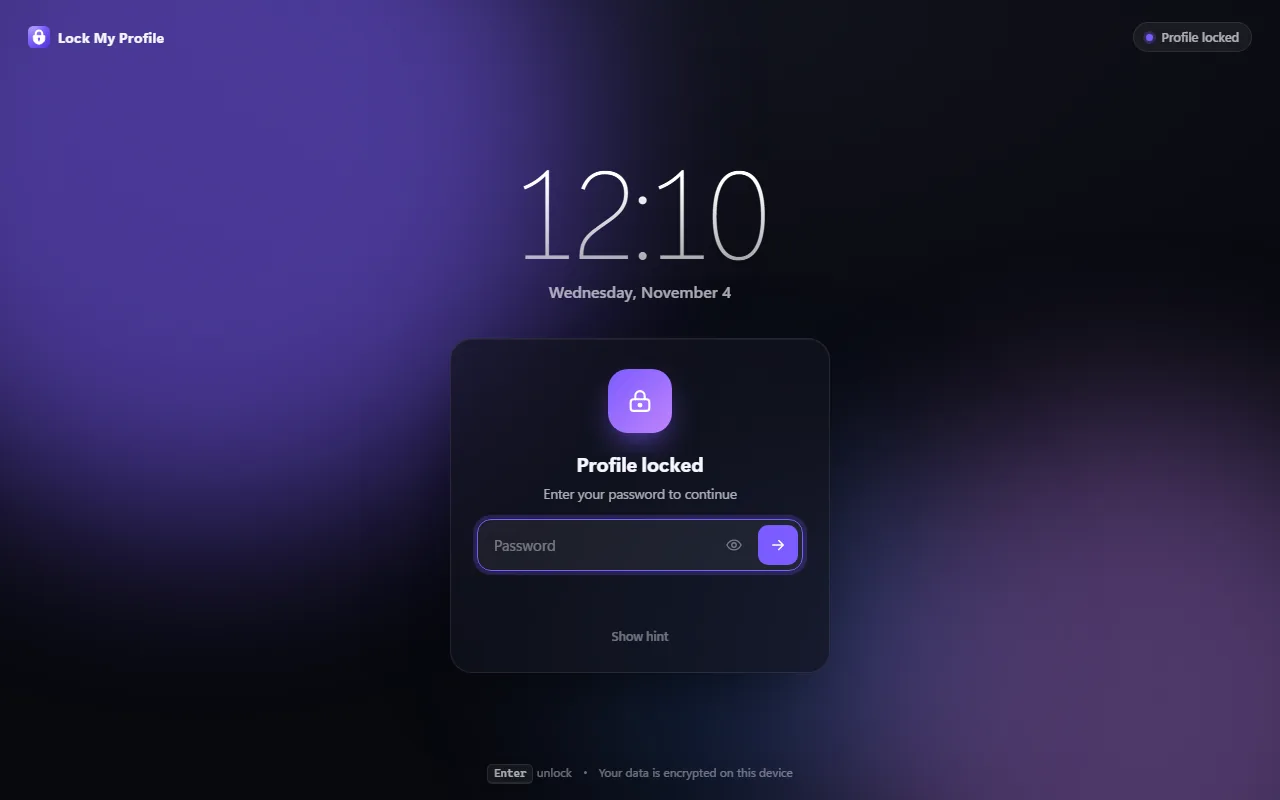
Lock the whole profile
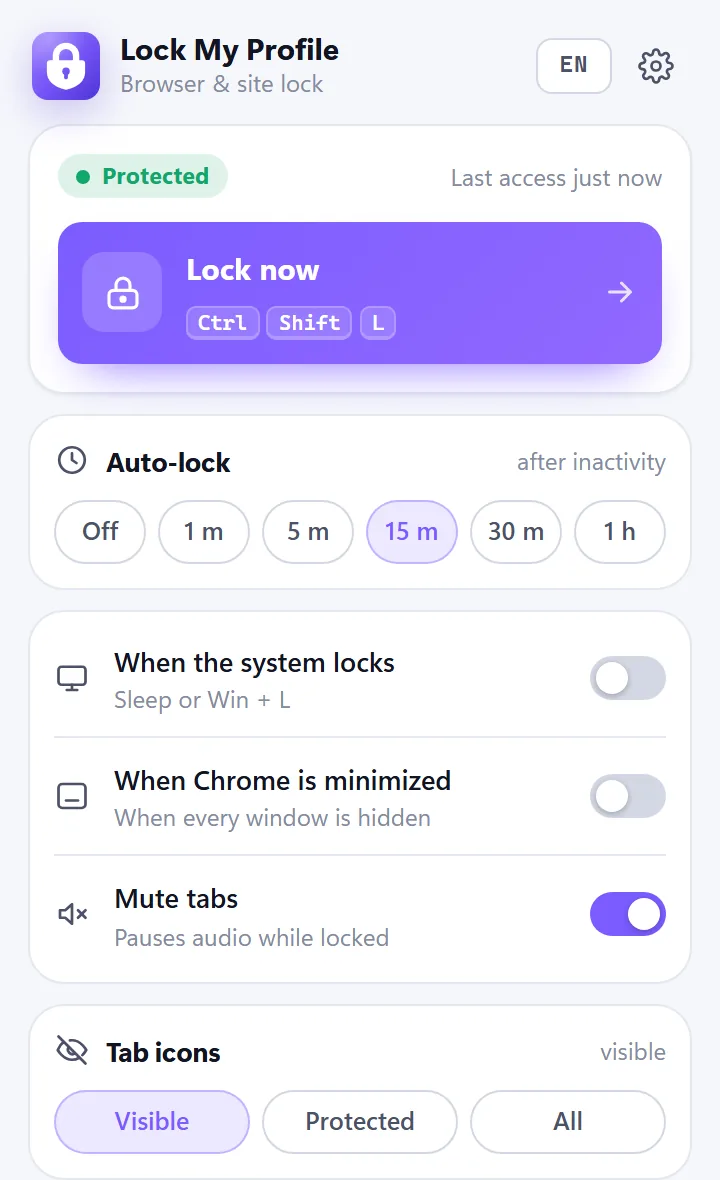
Every open tab hides behind a lock screen until you type your password. Lock instantly with Ctrl+Shift+L.
Protect only some sites
Email, chats or your bank ask for the password even while the browser is unlocked.
Auto-lock
After a few idle minutes, when Chrome starts, when your computer locks or when the window is minimized.
Tab camouflage
A locked tab can look like another site, or be swapped for a real, harmless page.
Intruder log
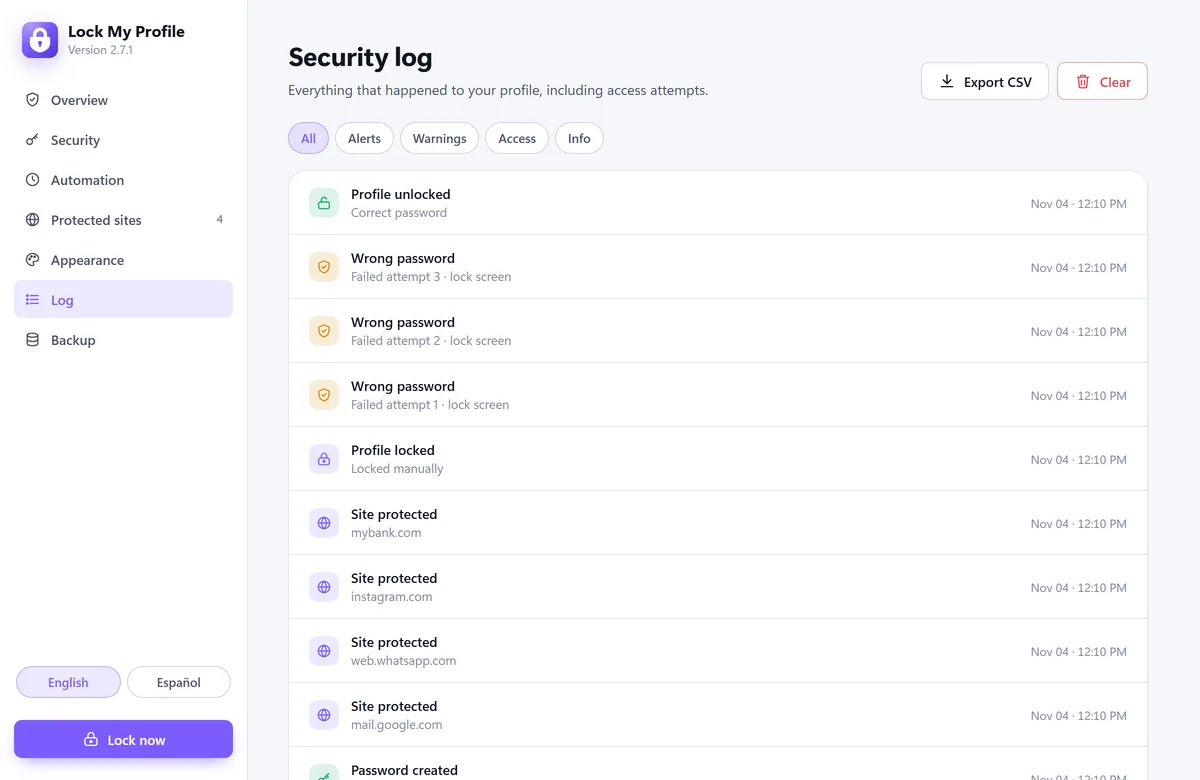
Every wrong password is recorded with date and time. Export it as CSV.
Brute-force protection
After 5 wrong attempts (you can change it) a timed lockout starts, doubling each round up to 15 minutes.
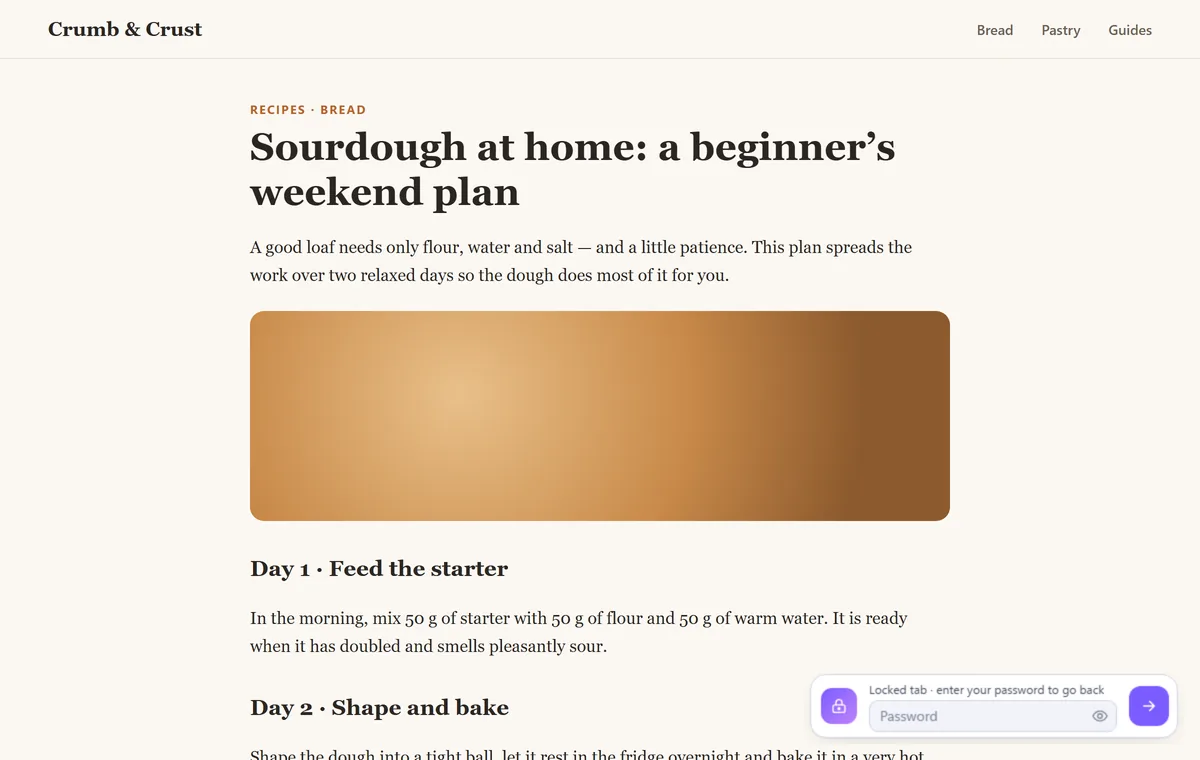
Step away. They’ll only see Wikipedia.
Leave a protected tab and it’s swapped for a harmless page: the address bar shows the other site’s real address. Your own tab waits untouched in a minimized window, and a small password bar on the page brings it back.
- Choose the page: Wikipedia, YouTube, Google, news and more
- Or keep the tab and disguise only its title and icon
- Ctrl+Shift+U brings the real tab back
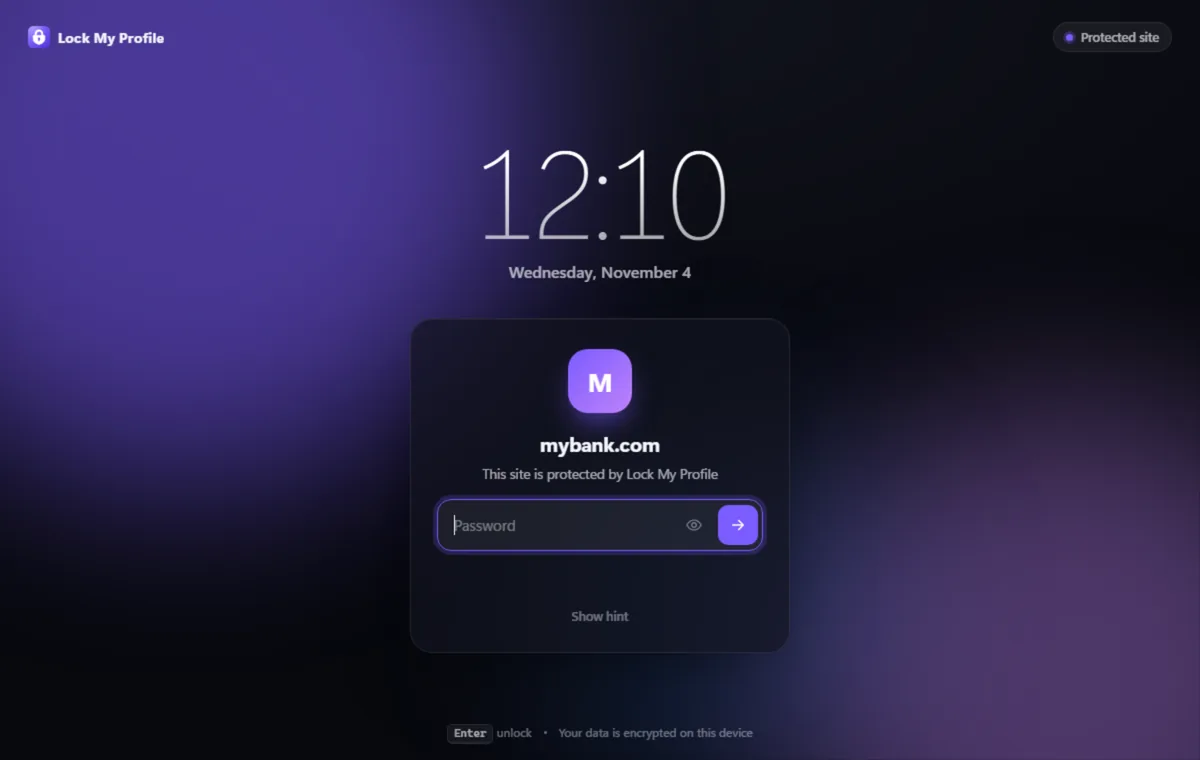
Lock only what matters
Add the sites you want to keep private. They ask for the password every time they open, even while the rest of the browser is free to use.
- Subdomains included
- Stays open for the time you choose, from 5 minutes to 4 hours
- Locks again as soon as you switch tabs
See who tried to get in
Lock My Profile keeps a log of every lock, unlock and failed attempt, so you know if someone tried to open your browser while you were away.
- Date and time of every attempt
- Export to CSV
- A security score with tips to make your setup stronger
Private by design
Your password and your activity stay on your device. Always.
No account, no servers
There is nothing to sign up for and nothing is sent anywhere. No analytics, no ads, no tracking.
Your password is never stored
Only a salted PBKDF2-SHA256 hash (210,000 iterations) is kept, in your browser’s local storage.
Honest about its limits
It keeps your browser safe from people who use your computer. For full security, also use your computer’s own account password.
Ready in under a minute
Add it to Chrome
Install Lock My Profile from the Chrome Web Store. It’s free.
Create your password
Add a hint or a recovery question in case you forget it.
Choose what to lock
The whole profile, a few sites, or both, and when it should lock by itself.
Questions
Is Lock My Profile free?
Yes. You can install it and use every feature for free.
Does it send my data anywhere?
No. It has no servers and no account. Your settings, the hash of your password and the activity log stay in your browser’s local storage.
Can someone just turn it off?
While the profile is locked, Lock My Profile blocks Chrome’s internal pages, including the extensions page, so it can’t be switched off from there. It is built to stop people who use your computer; someone with full control of the computer could still remove it, so combine it with your computer’s account password for maximum security.
What if I forget my password?
Use the hint or the recovery question from the lock screen. If you set neither, remove and reinstall the extension: that deletes its data and lets you start again.
Does it work in incognito windows?
Yes, if you allow it: in chrome://extensions, open Lock My Profile’s details and turn on “Allow in Incognito”.
Which computers does it work on?
Google Chrome on Windows, macOS, Linux and ChromeOS.
Guides
Step-by-step answers to the most common questions.
Your browser, your business
Lock your profile and the sites you choose in under a minute.
Coming soon to the Chrome Web Store